Browse without the back-and-forth
Natural filename sorting keeps the folder in order. Adjacent-image preloading helps you move from one image to the next.
 Glimpse
A simple image viewer for Mac
Fast, lightweight image viewing for the everyday. Open a photo, browse its folder, and keep your focus on the image.
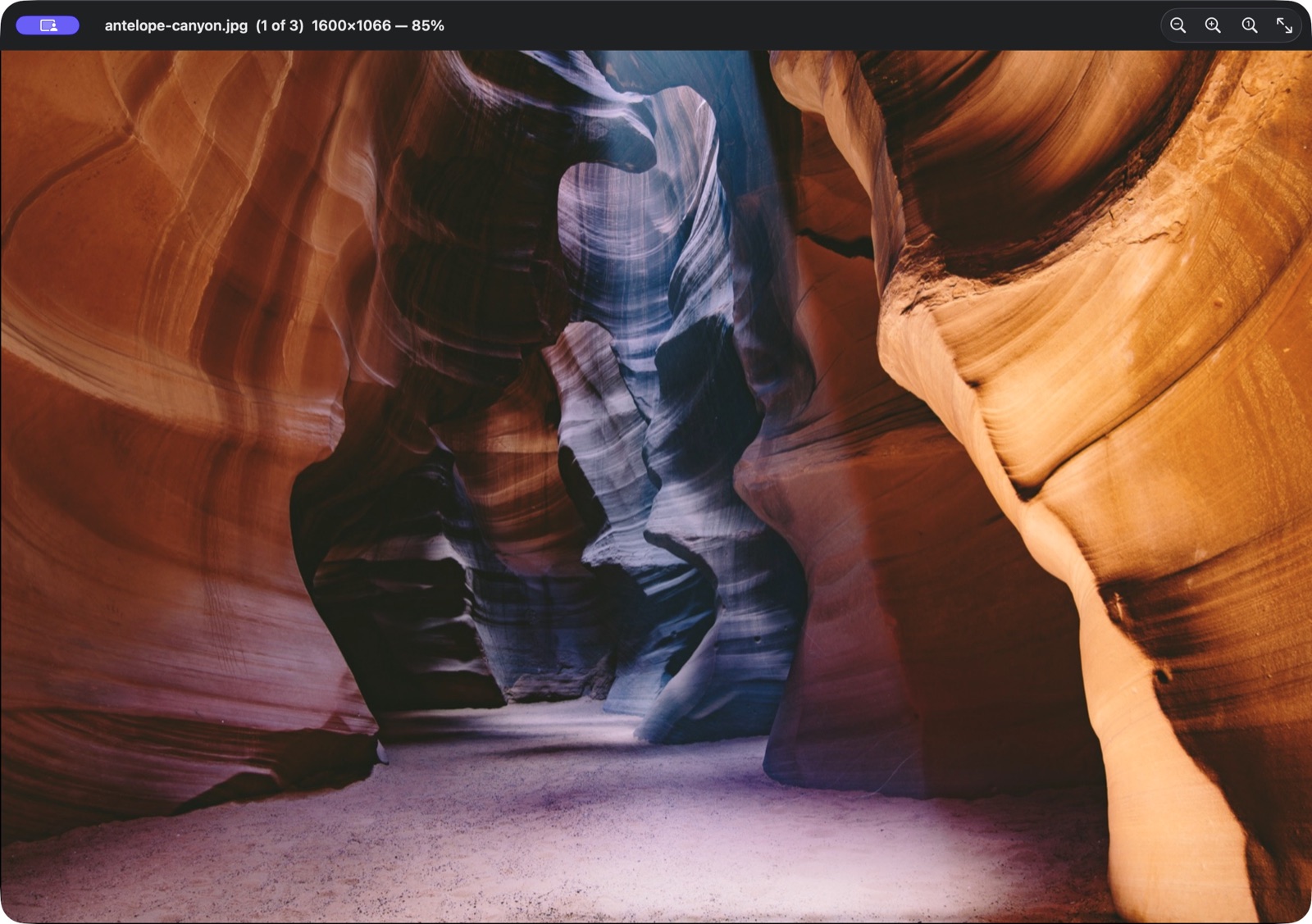
Built for the Mac with Swift and AppKit. A small tool for a job you do every day.
Open one image and use the arrow keys to move through the rest of its folder.
Viewing happens on your Mac, with no telemetry or automatic image uploads.
The useful bits
A clear view of the image, plus the controls that make working through a folder easier.
Natural filename sorting keeps the folder in order. Adjacent-image preloading helps you move from one image to the next.
Best Fit, Actual Size, or Scale to Fit. Zoom from the keyboard or title bar, and keep your preferred mode between launches.
Open a searchable metadata inspector for ImageIO and EXIF fields, plus JPEG, PNG, and GIF container details.
Open from Finder, drag an image onto the Dock icon, or go full screen. Copy a file path or reveal its location from the Actions menu.
For photos, screenshots, and the files in between.
Comfortably familiar
Folder navigation and everyday controls are right on the keyboard. The title bar keeps your filename, position in the folder, and zoom level in view.
Read the usage guide| Previous / next image | ← → |
|---|---|
| Open an image | ⌘ O |
| Zoom in / out | ⌘ + / − |
| Actual size | ⌘ 0 |
| View metadata | ⌘ I |
| Full screen | ⌃ ⌘ F |
A few practical details
Glimpse supports macOS 12 or later. It is a native Mac app built with Swift and AppKit.
Open an image directly from its folder. Glimpse lets you browse the neighboring files without importing them into a library or creating an account. You can also make it the default viewer for an image type using Finder’s Open With options.
Glimpse views files locally. It does not collect telemetry or automatically upload images. Optional custom actions can open links or run commands when you select them.
The defaults copy an image’s path and reveal its location. You can also configure commands and HTTPS links for your own workflow. See the Actions guide for configuration details.
A small addition to your Mac
Glimpse is currently available to build from source. A Mac download will appear here when a public release is available.